1. Basic Information
- Word: 按键
- Pinyin: àn jiàn
- Literal Meaning: “Press + Key”
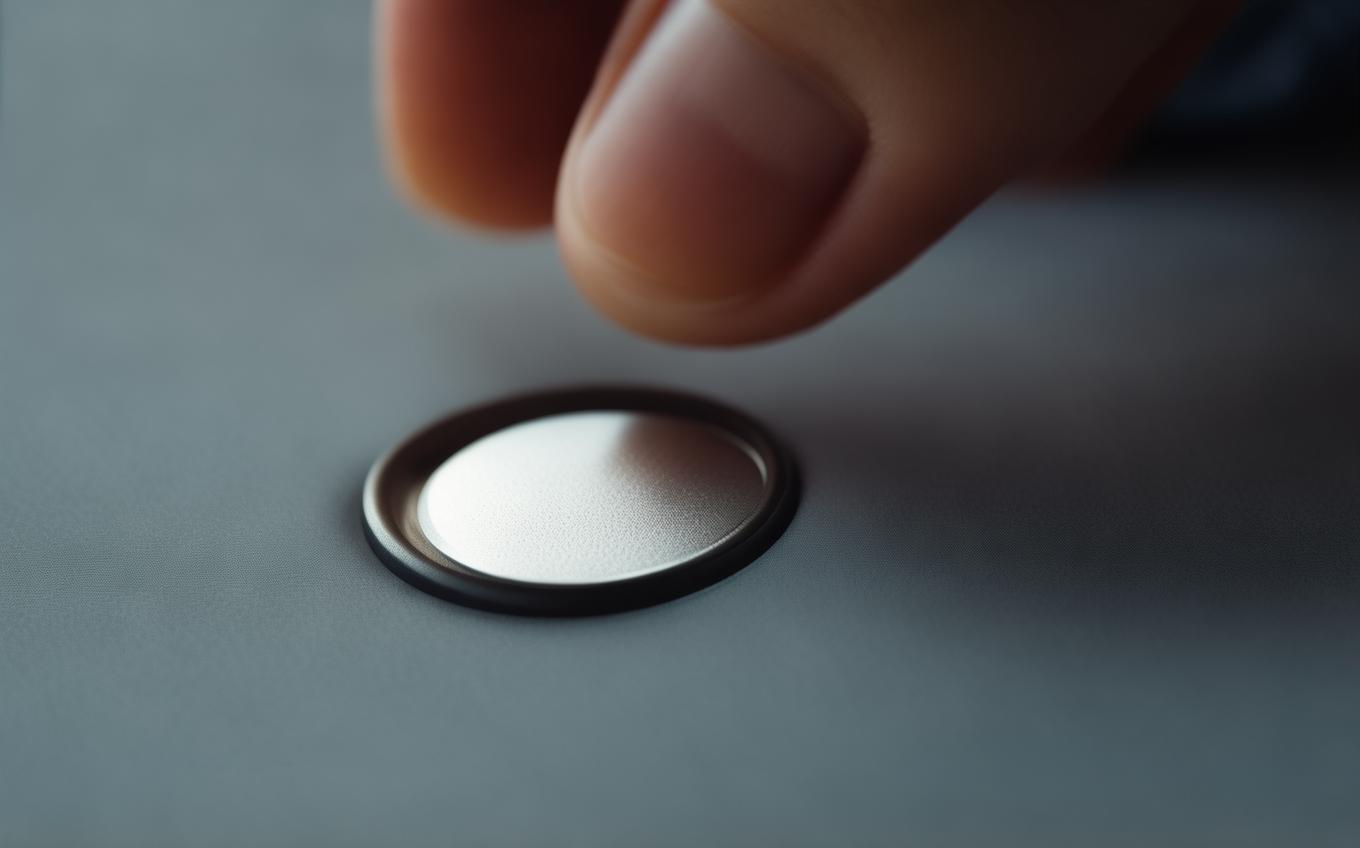
- Primary Meaning: A button or key (on a keyboard, keypad, instrument, etc.); also the action of pressing a key or button.
2. In-depth Explanation
- Context and Usage:
The word 按键 can function as both a noun and a verb phrase depending on context. As a noun, it refers to any kind of pushable key, button, or switch — from a computer keyboard key, a phone keypad button, a piano key, to a control panel button. As a verb phrase, it simply means “to press a key/button.” In daily conversation, you’ll often hear it in technical, musical, or everyday electronic device settings. The word is neutral in tone and widely used in both formal and informal speech.
Nuance: Unlike the English “button,” which can be a physical knob on clothing or a virtual on-screen element, 按键 almost always implies something that is pushed to trigger a function — a mechanical or digital input. For virtual buttons on a touchscreen, 按键 is still used, but sometimes people prefer 按钮 (àn niǔ), which specifically means a button-style control. However, 按键 covers keys on a musical instrument more naturally than 按钮.
- Character Breakdown:
- 按 (àn): This verb means “to press,” “to push down,” or “to follow according to” (in other contexts). The radical is 扌 (hand), indicating action done by hand. When used in 按键, it keeps its core meaning of applying pressure with a finger.
- 键 (jiàn): A noun meaning “key,” as in a piano key, a keyboard key, or a key on a device. Historically, 键 referred to a door bolt or latch, and later expanded to mean any mechanism that triggers an action. In modern use, it’s the standard character for keys on instruments and keyboards (e.g., 钢琴键 “piano keys,” 键盘 “keyboard”).
3. Example Sentences
Provide 3 practical example sentences using the word.
-
Chinese: 请按下这个按键。
Pinyin: Qǐng àn xià zhège àn jiàn.
English: Please press this button. -
Chinese: 我的电脑按键有些松了。
Pinyin: Wǒ de diànnǎo àn jiàn yǒuxiē sōng le.
English: The keys on my computer keyboard have become a bit loose. -
Chinese: 你只需要按键一下,机器就会启动。
Pinyin: Nǐ zhǐ xūyào àn jiàn yīxià, jīqì jiù huì qǐdòng.
English: You just need to press the key once, and the machine will start.
Cultural Notes
The character 键 originally referred to a metal bolt used to lock a door, which you “press” or slide to secure it. Over centuries, it came to represent any essential part that functions like a key, opening or activating something — much like the English “key” in music or typing. In Chinese, 键 appears in words like 关键 (guānjiàn, crucial point, literally “gateway bolt”), underscoring its metaphorical weight. When Chinese learners first encounter 按键, they might notice this connection: a simple button is linguistically related to something as important as a “key” element in a system. Today, 按键 is everywhere in modern life — from ATM keypads to elevator buttons — making it a practical word to master.
Conclusion
To remember 按键, link the hand (按, press) with the key (键, key/button). Think of your finger pressing down on a piano key or typing on a keyboard. Whether you're talking about a physical button or the action of pressing one, 按键 is the go-to term. It’s straightforward, highly useful, and opens the door to many other compound words involving 键. Practice using it in both noun and verb forms, and soon it will feel as natural as the “click” under your finger.
Sources and Further Reading
Dictionary links are provided for independent reference. Example sentences and learning notes on this page are educational explanations rather than dictionary quotations.



Comments (0)
No comments yet. Be the first to comment!